
# 一 Nuxt.js是什么
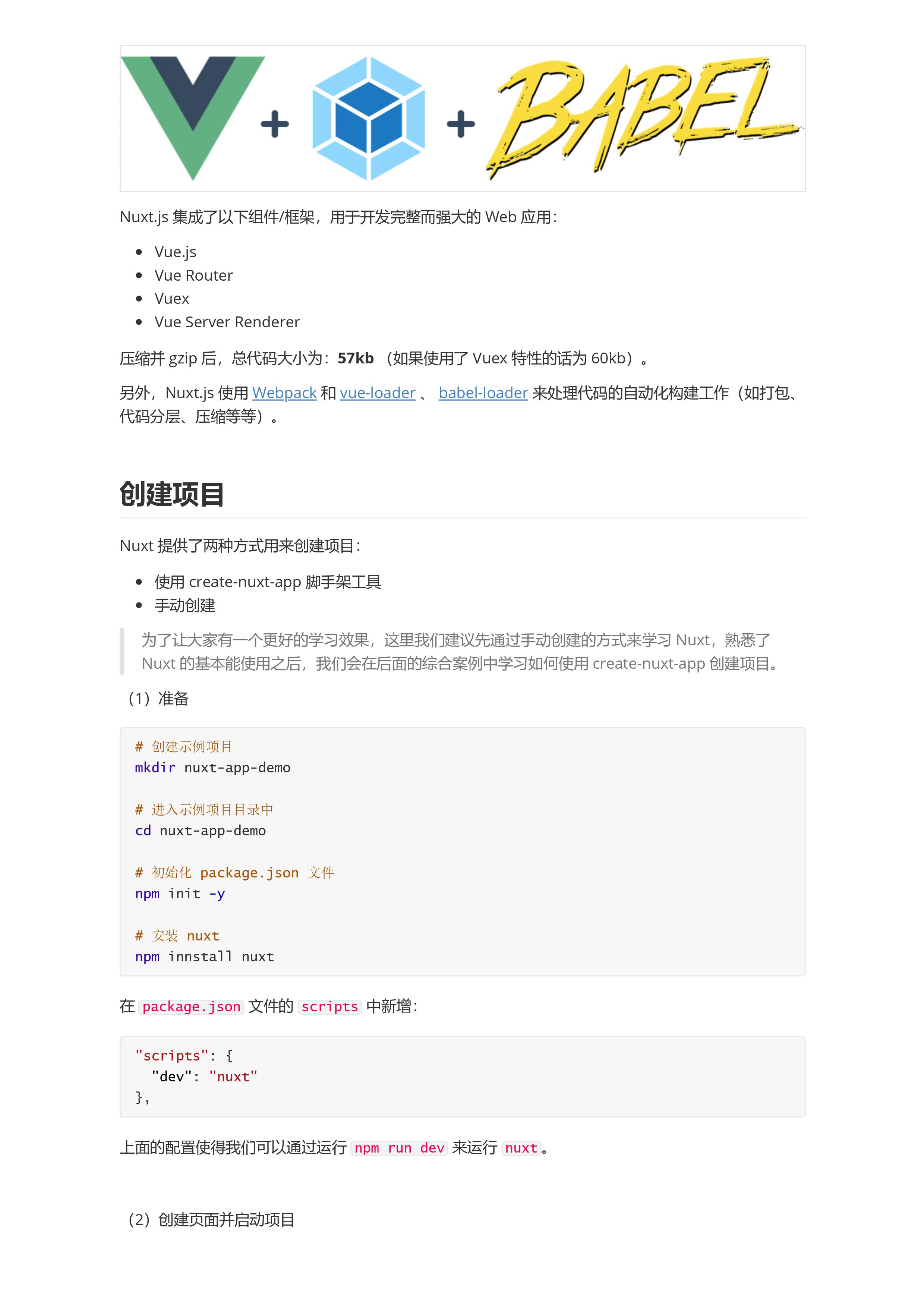
- Nuxt.js 一个基于Vue.js生态的第三方开源服务端渲染应用框架
- 它可以帮我们轻松的使用Vue.js技术栈构建同构应用
- 官网 (opens new window)
- github仓库 (opens new window)
# 特性
- 基于Vue.js
- Vue、Vue Router、Vuex、Vue SSR
- 自动代码分层
- 服务端渲染
- 强大的路由功能,支持异步数据
- 静态文件服务
- ES2015+语法支持
- 打包和压缩JS和CSS
- HTML头部标签管理
- 本地开发支持热加载
- 集成 ESLint
- 支持各种样式预处理器: SASS、LESS、Stylus等等
- 支持 HTTP/2 推送
# asyncData 异步数据
# 基础用法
- 它会将asyncData返回的数据融合组件data方法返回数据一并给组件
- 调用时机:服务端渲染期间和客户端路由更新之前
# 注意事项
- 只能在页面组件中使用
- 没有this,因为它是在组件初始化之前被调用的
# 异步数据
Nuxt.js 扩展了 Vue.js,增加了一个叫 asyncData 的方法,使得我们可以在设置组件的数据之前能异步获取或处理数据
    import axios from 'axios'
    export default {
      name: 'HomePage',
      async asyncData () {
        const res = await axios({
          method: 'GET',
          url: 'http://localhost:3000/data.json'
        })
        return res.data
      },
      data () {
        return {
          name: '大白菜'
        }
      }
    }

    return 中的数据 会和data中的数据合并
非页面组件不会调用 asyncData 我们分别在page文件新建两个文件index.vue 以及foo.vue
    // index.vue
  <template>
    <div>
      <h1>Hello Nuxt.js</h1>
      <h1>{{posts[0].title}}</h1>
      <nuxt-link to="/about"></nuxt-link>
      <foo :posts="posts" />
    </div>
  </template>

<script>
import axios from 'axios'
import Foo from '@/components/Foo'
export default {
  name: 'HomePage',
  components: {
    Foo
  },
  async asyncData () {
    const res = await axios({
      method: 'GET',
      url: 'http://localhost:3000/data.json'
    })
    return res.data
  },
  data () {
    return {
      name: '大白菜'
    }
  }
}
</script>

<style>

</style>

  // foo.vue
  <template>
    <div>
      <h1>FooPage</h1>
      <ul>
        <li v-for="item in posts" :key="item.id">
          {{item.title}}
        </li>
      </ul>
    </div>
  </template>

  <script>
  export default {
    name: 'FooPage',
    props: ['posts']
  }
  </script>

  <style>

  </style>
# nuxt案例介绍
- 案例名称: RealWorld
- 一个开源的学习项目,目的就是帮助开发者快速学习新技能